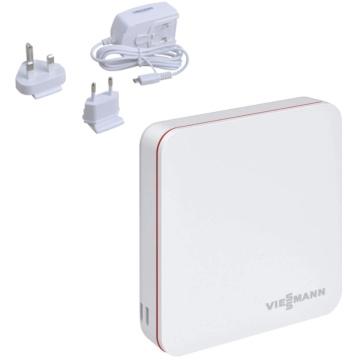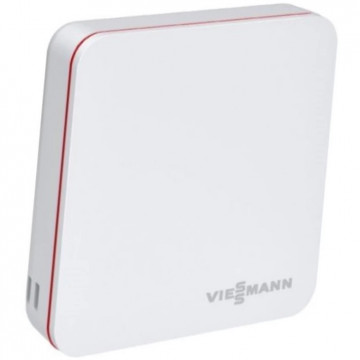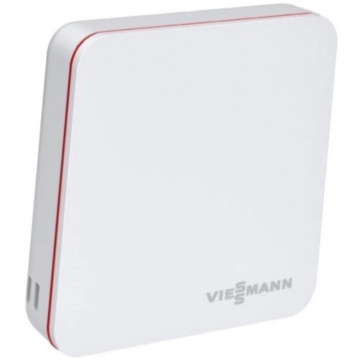


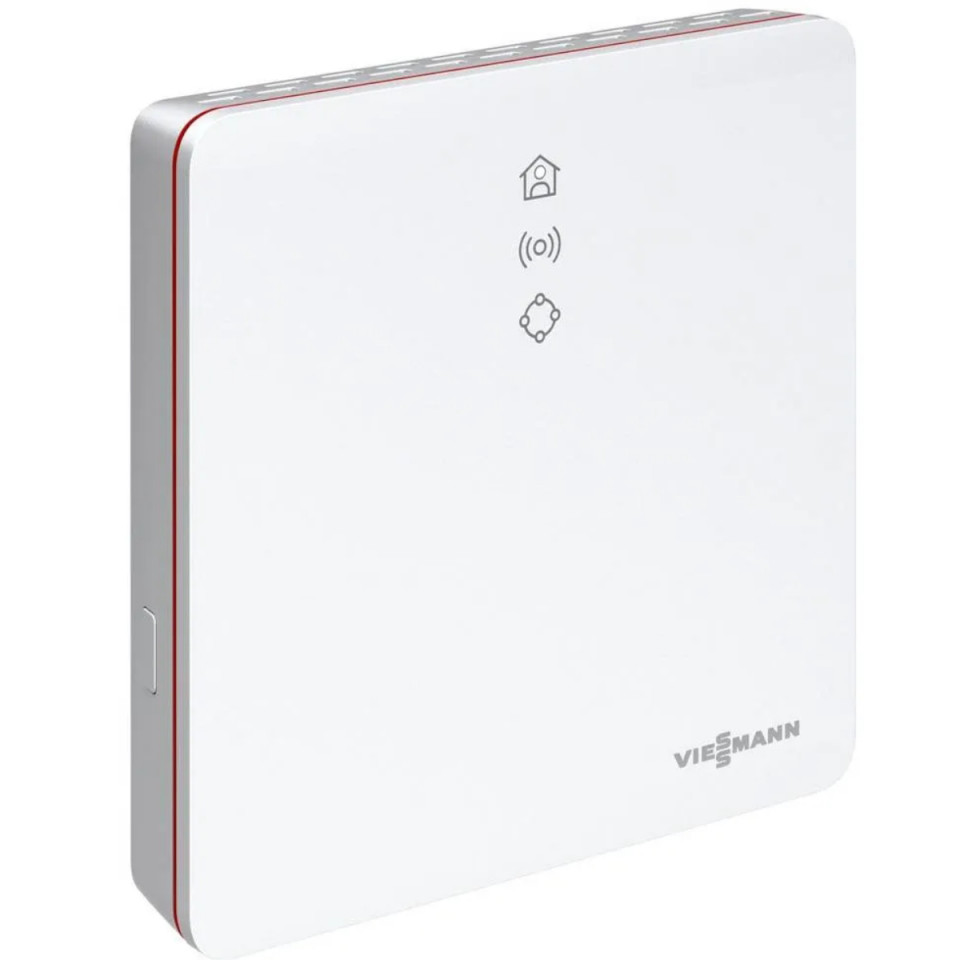
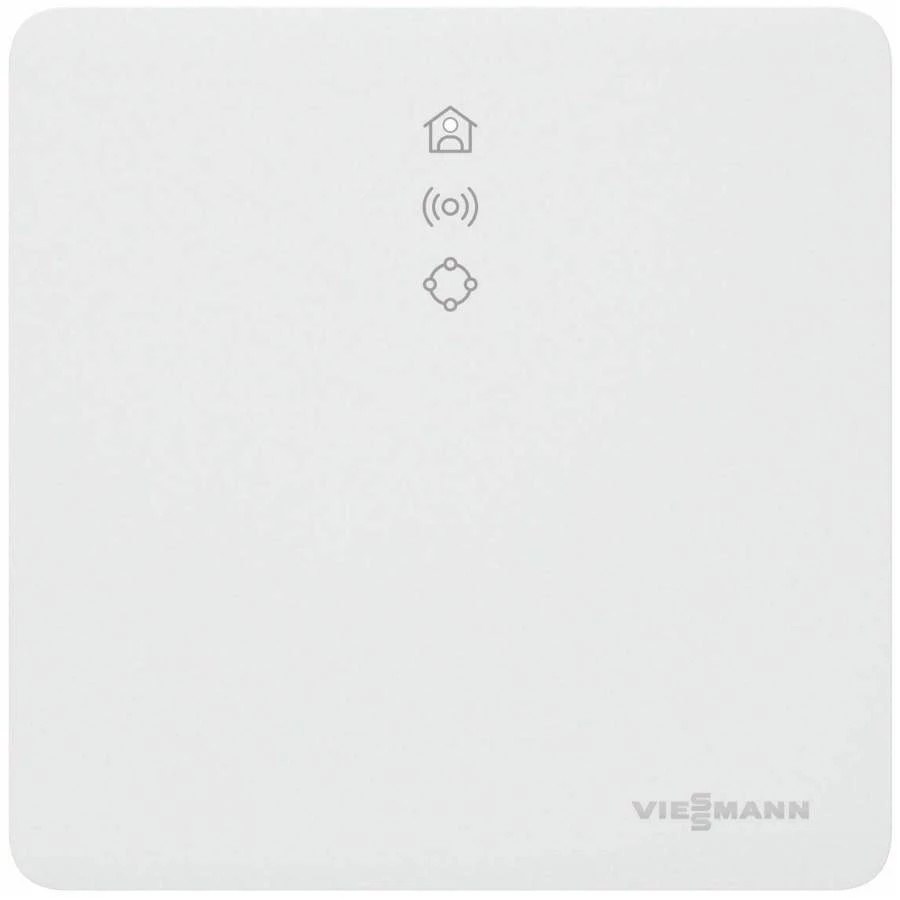
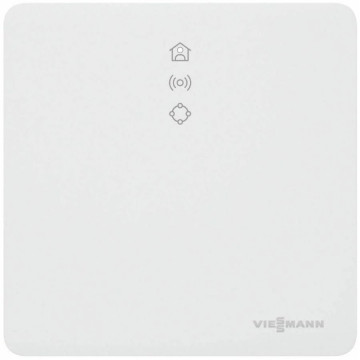
Vitoconnect OPTO2 WLAN interface


Description
Vitoconnect OPTO2 WLAN interface
for communication with the Viessmann boilers and remote management via the Vitoguide application.
Vitoconnect 100 has an integrated safety concept, which has been tested and approved by VDE for Smart Home.
The delivery set includes:
WLAN mode for connection to the DSL router, for wall mounting
Power cord (1 m long)
Connecting cable with Optolink connector WLAN module / Central heating automation (3 m long)
Communication
Through the Optolink interface with boiler automation
Via WiFi with DSL router.
Connectors: Mains plug (230 V / 50 Hz); Optolink WLAN / interface connection cable; WLAN communication for internet connection
Prior to installation, check the compatibility of the communication over the local IP / WLAN network.
A good internet connection is required for the Vitoconnect 100 to work properly.
Instructions for use Vitoconnect 100 Opto2. Assembly Instructions
Compatible automations: Viessmann thermal power plant with Vitotronic automation system and Optolink interface.
Automation for wall and compact power plants
Vitotronic 200, type HO1, HO1A, HO1B, HO1D, HO2B
Vitotronic 200 RF, Typ HO1C, HO1E
Automation for floor boilers
Vitotronic 200, type KO1B, KO2B, KW6, KW6A KW6B, KW1, KW2, KW4, KW5
Vitotronic 300, type KW3
Automation for heat pumps, solid fuel boilers and hybrid appliances: In preparation.
ViCare application usage features
Display the installation status for the installation operator
Easy to use remote control functions, e.g. adaptation of the nominal value of the ambient temperature or of the operating regimes
Adjusting the heating times by means of a connection interval wizard
Shortcut keys for party mode and low temperature mode ("long heat" and "on the road")
Push error message signaling
Contact details of the specialized company, automatically saved
Text display error description
The parameters of the operation regime of the installation for the specialized company, with the possibility of integration in Vitoguide
Simple transmission of installation data, e.g. error messages by e-mail or telephone contact of the specialist company
Energy saving recommendations
Note: With the ViCare application, the user can access a single installation simultaneously with a single terminal.
For more information on the ViCare application, see www.vicare.info
Details
What customers say
Similar products
-
 Gateway sensoNET VR921RON 1,329.26
 -
Wireless Gateway Fer 800RON 128.57
-
Repeater VicareRON 839.55
-
ViCare modulating sensor ZK05991RON 730.88 RON 757.73
-
ViCare on-off Sensor ZK05990RON 649.69 RON 673.53